About Chat & Vibes
Communicate through messages, calls, and posts. Stay connected with individuals and communities in real time.
Window Controls
(applicable to draggable layout only)- Drag chat windows using header
- Resize from edges
- Press Esc to minimize/restore all
- Double-click header to maximize
- Press Ctrl+M to maximize or restore a resizable window
Tip: Esc can quickly clear overlapping chat windows and can be useful as a privacy shortcut when someone is nearby.
Calls
- Audio and video calls support normal mute controls.
- On wide devices with a keyboard, if your microphone is muted, hold the Spacebar to temporarily unmute while speaking.
- Release the Spacebar to return to muted mode.
Use Case: Push-to-talk is useful when you expect to be silent most of the time but need to speak occasionally.
Settings
- Privacy: Control read receipts, history, calls, messages and more
- Chat: Manage sound, layout, language, fonts and more
- Account: Account management functions
Badges
Badges reflect content labels, user-declared attributes, and community perception.
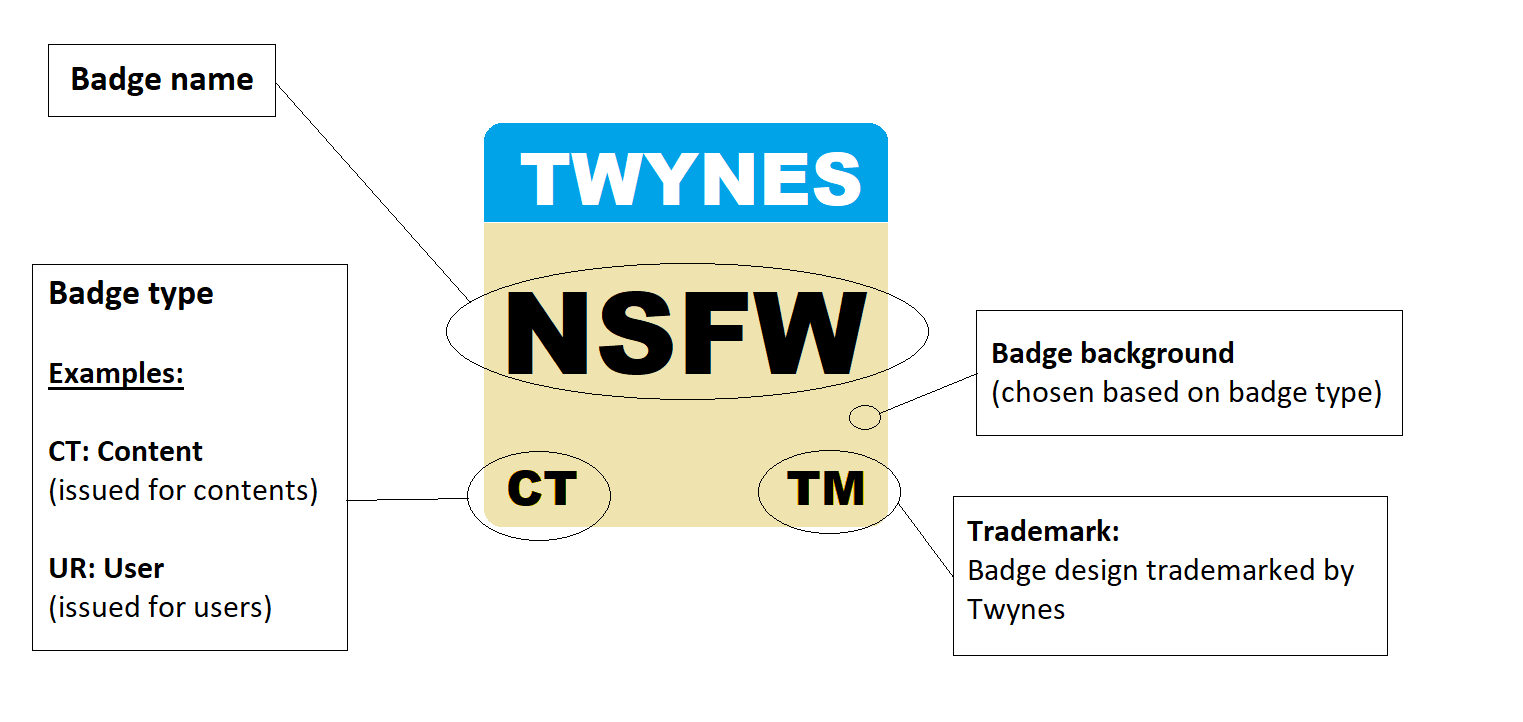
- Content badges: Describe content characteristics, such as NSFW material.
- Declared user badges: Reflect information users provide about themselves, such as age group or pronouns. These are not independently verified.
- Voted user badges: Reflect how other users perceive someone through interactions. Some voted badges require the voter to have good-conduct credit.
- Community badges: Cover community-specific identity, participation, or reputation signals.
Important: Badges are guidance signals, not guarantees. Use care and follow Twynes terms when interacting with minors, unknown-age users, NSFW content, or sensitive communities.
Data Retention
- Private/Group Chats: Up to 2 years
- Vibes Posts: Long-term (~30 years)
- Rooms: Temporary, recent messages only
Note: Retention periods are representative and may change over time. User chat settings may also affect retention. Guest-user data usually has a much shorter retention period, often less than a month after inactivity.
Credits
Twynes uses selected third-party assets and libraries in the social experience.
- Animated Noto Emoji: Selected unadapted emoji animations under CC Attribution 4.0 International.
- notificationsounds.com: Selected media tones under CC Attribution 4.0 International.
- jquery-textcomplete: Adapted autocomplete behavior under the MIT license.